


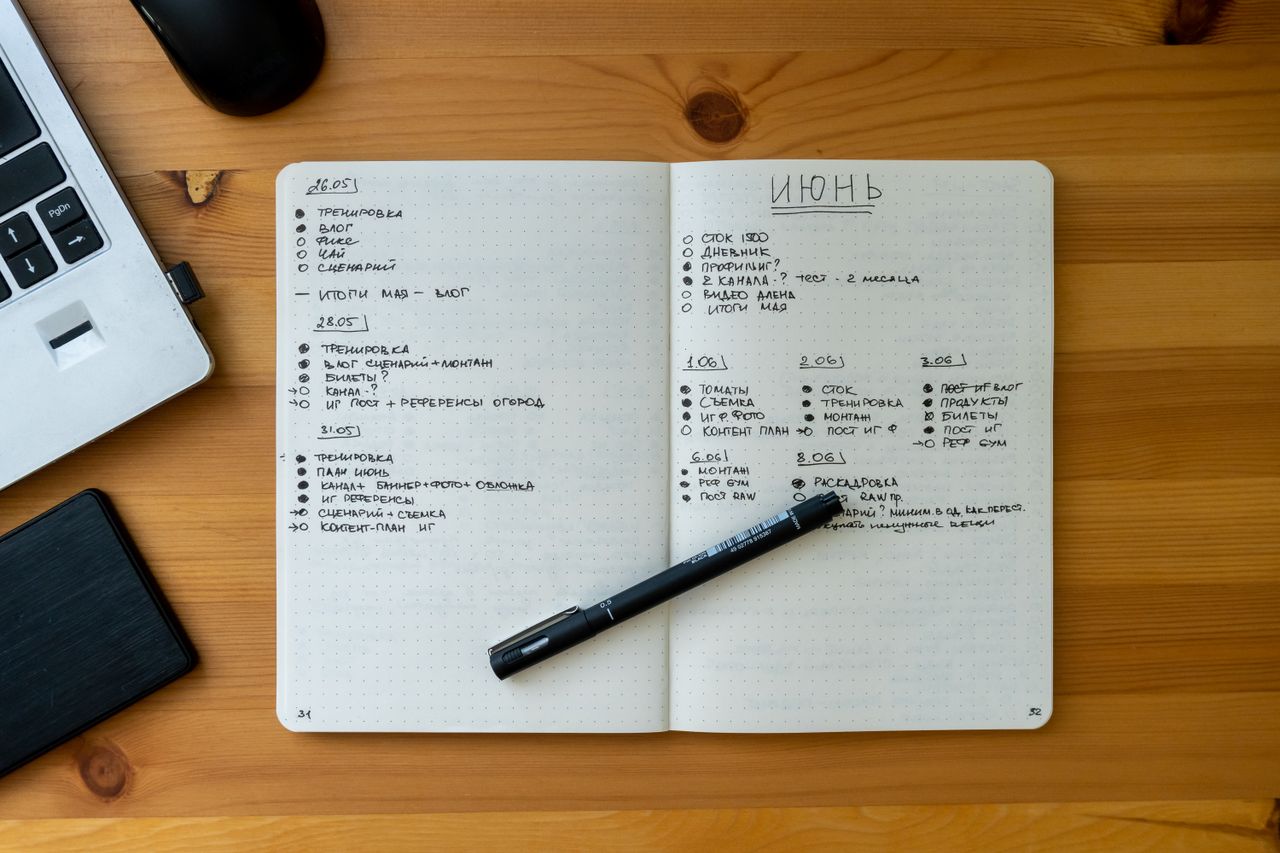
Obsidian connectors let a Canadian firm keep one shared knowledge base in local files it owns, in a format every AI agent can read and write, so the team can change tools without rebuilding its notes, its structure or its working memory from zero.
The base sits in files your firm owns
Start with what Obsidian leaves out. The app carries no AI of its own, asks for no account, and collects no analytics from your vault. Obsidian itself cannot reach your data. What your team writes sits on your own devices, in open format files you own, and your team can open those files offline at any time.
That ownership changes the daily operating picture for a firm. The knowledge base does not live inside one AI tool. It does not disappear when a contract ends. It does not wait on an export from a vendor. The notes stay on your devices in plain files.
Build the base inside one chat tool and the switch carries a rebuild with it. A local base removes that rebuild from the switch.
One base that many agents can read
Connectors let Obsidian connect to any AI agent. The named agents include Claude and ChatGPT. The list also includes Cursor and GitHub Copilot. It also includes Grok Bot and more agents. Each agent works against the same shared vault. Each agent reads the same notes and records. The firm keeps one version of its working knowledge. The firm stops copying context between tools by hand.
Agents can write notes in Obsidian Flavored Markdown. Agents can create and edit Bases files. Agents can also create and edit Canvas files. Those skills work in any capable agent. The test is simple and practical for operators. The agent must read and write vault files. If an agent can do that, it qualifies. If it cannot do that, it stays out.
The skills behind connectors are open source. Your team can read a skill before it runs. Your team can judge what that skill touches.
A shared base also fixes a quiet daily problem. One dashboard in ChatGPT Sites can end the weekly status rebuild makes the same point for status work. One shared source ends the weekly rebuild habit. One shared vault does that work for knowledge.
The running app adds a second layer
The Obsidian CLI skill works inside the running app. Agents can search notes in the running app. Agents can read notes in the running app. Agents can also manage notes in that app. That skill needs the desktop app running. Close the app and that layer stops working. The file based skills still work without it. Operators should know which layer each task uses.
Headless work covers a different set of jobs. Agents can sync vaults with Obsidian Headless. Agents can also publish vaults with Obsidian Headless.
Read the full connector list on the Obsidian Help page for Connectors before you assign work. Match each skill to a real task first. Give each agent a narrow job in the vault.
The privacy line sits with the agent
Connectors send nothing by themselves at all. The picture changes once an agent reads notes. Once an agent opens a note, that note enters the session, and the model behind the agent works on its contents. So the agent privacy policy matters a great deal. Each agent brings its own policy into the room. Each policy governs what happens after the read.
That gap is where careful firms do their work. A local file can still reach a remote model. Set which folders an agent may open for work. Set which folders stay closed to every agent. Set which client records never enter a session. Write those answers down where staff can see them.
Access control belongs beside those folder rules too. Give every agent its own account, its own limit, its own off switch sets out that discipline in full. Apply the same discipline to vault access here. One agent gets one defined scope of work. One person owns the call to cut access. One log shows which agent touched which notes. A shared base still needs firm boundaries around it. Shared never means open to everything without limits.
A switch becomes a short test
Picture a tool switch under this setup now. The vault stays exactly where it already sits. The notes stay in the same open format. The Bases and Canvas files stay in place. The new agent reads the same vault files. The new agent writes in the same Markdown. Nobody rebuilds the knowledge base from scratch again.
That test should still run like real work. Pick ten notes your team uses every week. Ask the new agent to find each one. Ask the new agent to update each one. Check every change against the source record carefully. Then widen access one folder at a time.
Skills, not tools. Build a 2027 skills stack your team will use makes the wider point for Canadian teams. The firm invests in its own records first.
Do this one thing this week
This week, pick one small vault for one team. Put ten working notes in that vault today. Connect one agent and give it one job. Read its privacy policy before the first task. Watch what it reads and what it writes. If the work holds up, add a second agent. AI Magazine Canada will keep testing setups like this. The firms that own their base will switch calmly.