

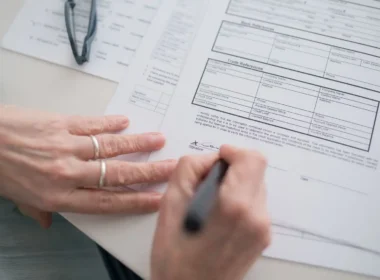


A checked AI draft and an unread one look identical once they leave your office. So the cheapest way to review AI-generated work is to make the person who approves it write one line, in their own words, saying what they checked and against what. Canadian courts got there before most offices did.
In British Columbia, a lawyer paid for skipping that step. In Ontario, the court rules now require a signed version of it. A firm with 20 staff in Red Deer or Moncton can borrow the same habit for quotes, client emails and job posts, and it costs about a minute per item.
Key points
Why do teams stop reading when they review AI-generated work?
Because fluent text looks finished, and finished work gets skimmed. The approver checks the tone, sees nothing odd and clicks send. The psychologist Lisanne Bainbridge described this trap in her 1983 paper Ironies of Automation: hand the routine work to a machine and the person keeps the hard cases, with less practice at them.
Her subject was industrial control rooms. The office version is easy to picture. Add a drafting tool at the front desk, and the coordinator who used to write each reply now approves replies instead. Approving is faster. It is also a different skill, and nobody trained anyone for it.
Watch what happens to the approval itself. When the coordinator wrote the reply, the checking happened while writing. Now the check is a separate step, and separate steps are the first thing a busy Tuesday squeezes out. The time cost runs the other way as well, which we weighed in what checking AI output really costs a team. This piece is about the day the check stops happening.
What did a B.C. court do when nobody checked?
It made the lawyer pay. In Zhang v. Chen, 2024 BCSC 285, a family case decided in February 2024, the court found that a notice of application listed two cases ChatGPT had made up. It refused the special costs the other side asked for, but ordered the lawyer to personally cover the extra work her error caused.
The order went further. The lawyer had to review every file she had before that court and report within 30 days. The reasons also cite Law Society of British Columbia guidance from July 2023, which told lawyers the duty to check accuracy “remains with you.”
Read that with your own office in mind. The AI tool did not sign the notice of application. A person did. The same is true of the quote your estimator sends from Lethbridge or the refund email your clerk sends from Saint John. Whatever the tool wrote, the name at the bottom belongs to someone on your payroll.
Notice too what the court did not order. It did not ban ChatGPT or ask for a second tool to check the first. It asked one person to go back and confirm the work.
What Ontario’s factum rule gets right
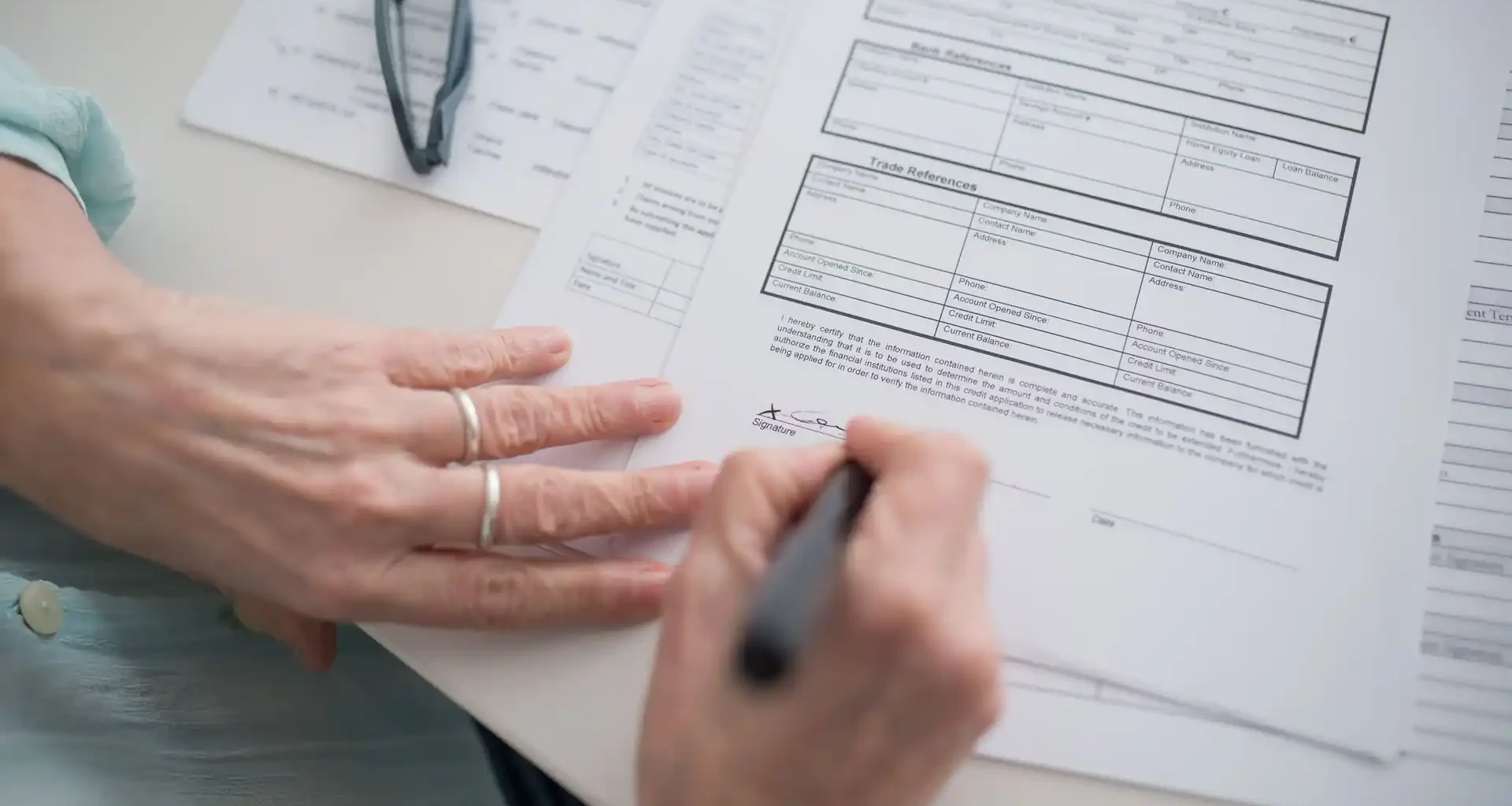
It asks for a signature on one specific, checkable claim. Under O. Reg. 384/24, in force since December 1, 2024, every factum filed under Ontario’s civil rules must include a signed statement that the signer is satisfied each cited authority is authentic. The rule never mentions AI. It simply puts one name next to one fact.
That design is the part worth copying when you review AI-generated work. A “reviewed” stamp invites the skim, because it names nothing. A line that says what was checked is harder to fake and easy for someone else to audit.
The rule has a second half that offices tend to miss. It presumes that an authority published on CanLII, a court website or a government site is authentic unless there is evidence otherwise. In plain terms, Ontario told lawyers which sources count as trusted, so the check stays quick. Your office can do the same with its rate sheet, its signed contracts and the government pages it relies on.
Try it on the next ten things you send
To test how your team reviews AI-generated work, pick one kind of output that leaves the building, give it one approver, and require one written line per item for two weeks. Then have a colleague repeat three of the checks. If the lines hold up, keep the habit; if they don’t, you found the gap before a client did.
- Pick one output. Client quotes, collection emails, job postings or policy summaries. Choose one and leave the rest for later.
- Name the approver. The person who already clicks send. Nobody new.
- Take a baseline on Monday. Pull the last ten AI-assisted items that went out. Ask the approver to write the line for each one after the fact, without reopening the file. The share they can write is your honest review rate today.
- Write the line before sending, every time. One sentence in the ticket, the internal note or a shared sheet: what was checked, against what.
- List your trusted sources up front. The rate sheet, the signed contract, the CRA page you rely on. A check against one of these counts. “The tool said so” does not.
- Spot-check three lines in week two. A colleague repeats the check. The pass mark is simple: every item has a line naming a source, and all three repeats match.
This is a proposed test, and we have not run it in an office ourselves. Expect it to add about a minute per item, which is our estimate, so ten items a day costs a busy approver roughly ten minutes. If Monday’s baseline shows the approver could already explain nine of ten items, stop there. Your review is real, and the line adds little.
If you already use a second AI tool to review the first, keep it for spelling and formatting. It cannot sign anything. Our colleague’s reading of what a human in the loop actually decides shows why giving someone the last word only helps if they are still the one deciding. For regulated offices, the same logic sits under Ontario’s real estate AI guidance, where the broker of record already answers for the brokerage’s compliance and approves its AI tools.
FAQ
How do you review AI-generated work quickly?
Write one line per item before it goes out, naming what you checked and the trusted source you checked it against. Then have a colleague repeat a few of those checks each week. On our estimate it adds about a minute per item.
Who is responsible for mistakes in AI-generated work in Canada?
Canadian courts have looked to the person who submitted the work. In Zhang v. Chen, 2024 BCSC 285, a B.C. lawyer was ordered to personally bear the extra costs caused by two cases ChatGPT invented.
Does Ontario require lawyers to certify AI use?
No rule targets AI use itself. Since December 1, 2024, every factum under Ontario’s civil rules must include a signed statement that the signer is satisfied each cited authority is authentic, whether or not AI was involved.
Can a second AI tool review the first one’s work?
It can catch spelling, formatting and some factual slips, but it cannot sign for the result. Keep a written human line on anything that leaves your office.
The person whose name goes on the email should be able to say, in one sentence, why it is right. If they can’t, it isn’t ready to send. Small teams after more habits like this one will find them among the AI for business guides written for offices without an AI department. The judgment and the Ontario regulation were both reread for this column on November 4, 2026.